Can Connections See Your Saved Posts on LinkedIn? (2026)
Can connections see posts you save on LinkedIn?
No. Your LinkedIn saved posts are private to your account—connections, followers, and the post author cannot see what you save. LinkedIn may use your activity to personalize recommendations, but it does not publish your saved-post list.
LinkedIn saved posts: find and use them
LinkedIn saved posts are useful for research, sales follow-up, and content ideas, but the native Saved area is easy to lose and difficult to search at scale. Use this guide to find your saves and build a library you can actually revisit.
Saved LinkedIn posts are more than a quiet bookmarking tool - they’re a personalized library of industry trends, creator styles, and content frameworks that actually perform on the platform. In 2026, LinkedIn’s algorithm rewards relevance, consistency, and value, and your saved posts allow you to reverse‑engineer what works for other professionals.
With Savebase, you can sync, organize, and transform those bookmarks into a structured content strategy that boosts your profile visibility and visibility‑driven growth.
How LinkedIn’s Saved Posts Feature Works (2026 Edition)
LinkedIn lets you save posts, articles, and jobs with one click, but the native UI is still limited. On desktop, you access them via your profile → Resources → Saved Posts and Articles; on mobile, it’s Profile → Saved items.
Once saved, posts are private to you - no one else can see your list. This makes them ideal for building a personal research library of content, profiles, and leads without any social pressure.
However, LinkedIn’s interface doesn’t offer folders, tags, or exports. That’s where tools like Savebase step in to turn raw bookmarks into a searchable, organized content‑planning system.
How Saved Posts Help You Make Your LinkedIn Profile More Visible
LinkedIn’s 2026 algorithm prioritizes posts that keep people engaged longer, respond well to early engagement, and align with users’ interests and behavior.
Saved posts expose you to content that your network already finds valuable enough to revisit. When you repeatedly bookmark posts from certain creators, profiles, or topics, you’re indirectly training your own “research engine” and learning what type of content stays in people’s minds.
Using those insights, you can tailor your own headline, About section, and Featured content to mirror high‑performing archetypes, while still staying authentic. That alignment is what LinkedIn’s algorithm tends to reward with higher visibility over time.
Spotting High‑Performing Content in Your Niche
When you audit your saved LinkedIn posts, look for patterns such as:
- Story angles that get lots of comments and saves.
- Headlines that spark curiosity or curiosity + benefit.
- Frameworks and checklists people want to refer back to.
- Content formats that keep people scrolling (carousels, short videos, data‑driven posts).
In 2026, posts that are save‑worthy (useful, evergreen, structured) significantly increase the chance of reappearing in users’ feeds, which boosts your profile’s long‑term visibility.
With Savebase, you can tag these patterns (e.g., “story‑style”, “carousel‑template”, “framework”), so you can quickly surface what works whenever you plan your next post.
Using Saved LinkedIn Posts as Templates for Your Own Content
Think of your saved posts as a swipe file built from your own network. When you notice:
- A powerful opening line,
- A career‑story arc,
- Or a format that keeps readers hooked,
you can adapt the structure to your own message instead of starting from scratch.
Savebase lets you:
- Save raw post data (text, links, media references) imported from your LinkedIn saves.
- Assign tags and categories based on format, topic, or tone.
- Rearrange ideas into a content calendar so you always have a template‑ready draft waiting.
This approach keeps your posting consistent and algorithm‑friendly, which LinkedIn’s 2026 system rewards with increased impressions and reach.
Studying Other Profiles to Improve Your LinkedIn Visibility
When you save LinkedIn posts, you often discover profiles that rank highly in search and get strong engagement. Studying those profiles helps you reverse‑engineer what works in your niche.
Pay attention to how they:
- Write headline blends of role, outcome, and audience.
- Use the About section (up to 2,600 characters) to tell a personal story with keywords.
- Populate Featured, Skills, and Projects sections with concrete, value‑driven assets.
With Savebase, you can:
- Collect links to profiles and featured posts in your saved library.
- Create a “Competitor / Inspiration” view filtered by niche and format.
- Cross‑reference what they do with your own profile and content plan.
Understanding Content Formats That Win the Algorithm in 2026
LinkedIn’s 2026 algorithm favors watch time, time spent on posts, and meaningful engagement (comments, saves, shares).
In practice, the best‑performing formats are:
- Carousels (multi‑slide PDFs) that tell a story or teach a framework.
- High‑value text posts with clear structure, bullet points, and takeaways.
- Native short videos (under 60 seconds) with captions and strong hooks.
Your saved posts naturally collect these formats because they are the most engaging. With Savebase, you can:
- Filter by format type (carousel, video, text, document).
- Build a “top‑performing format” view for your weekly content plan.
Step‑by‑Step: Apply Inspiration to Optimize Your Profile
Improving Your Profile Basics
Data‑driven guides for LinkedIn 2026 recommend:
- Using a customized public URL with your name or niche.
- Uploading a professional but authentic photo and a relevant cover image.
- Adding pronunciation, language, and location to help algorithmic discovery.
Each of these elements helps LinkedIn place your profile in the right feeds and search results.
Crafting a Strong About Section
Use your saved posts and profile bookmarks to inspire:
- A story‑driven About section that shows your journey, not just your resume.
- Keyword‑rich sentences that align with your target roles and industries.
- A clear value proposition for your audience (who you help, how you help them).
Savebase can store your working About‑section drafts and A/B test versions based on your saved‑content insights.
Enhancing Featured Content with Your Saved Library
If you save posts like:
- Portfolio announcements,
- Case studies,
- Thought leadership pieces,
- Slideshows and videos,
those become a blueprint for your own Featured section.
With Savebase, you can:
- Organize saved posts into “Featured‑Worthy” collections.
- Move them into scheduled posts or external links that you can later pin to your profile.
Using Savebase to Turn Saved LinkedIn Posts Into Strategic Content Fuel
Savebase is designed to be the central hub for your social‑media content, including LinkedIn.
Key ways Savebase supercharges your saved‑LinkedIn‑posts strategy:
- Sync and centralize saved posts: Bring your LinkedIn bookmarks into a unified workspace so you’re not toggling between apps.
- Tag and categorize at scale: Use Savebase’s tagging to mark posts by topic, format, tone, and audience, making it easy to pull themes from your library.
- Create a content calendar: Drag and drop saved‑post ideas into a visual calendar, so you always have a weekly content plan ready.
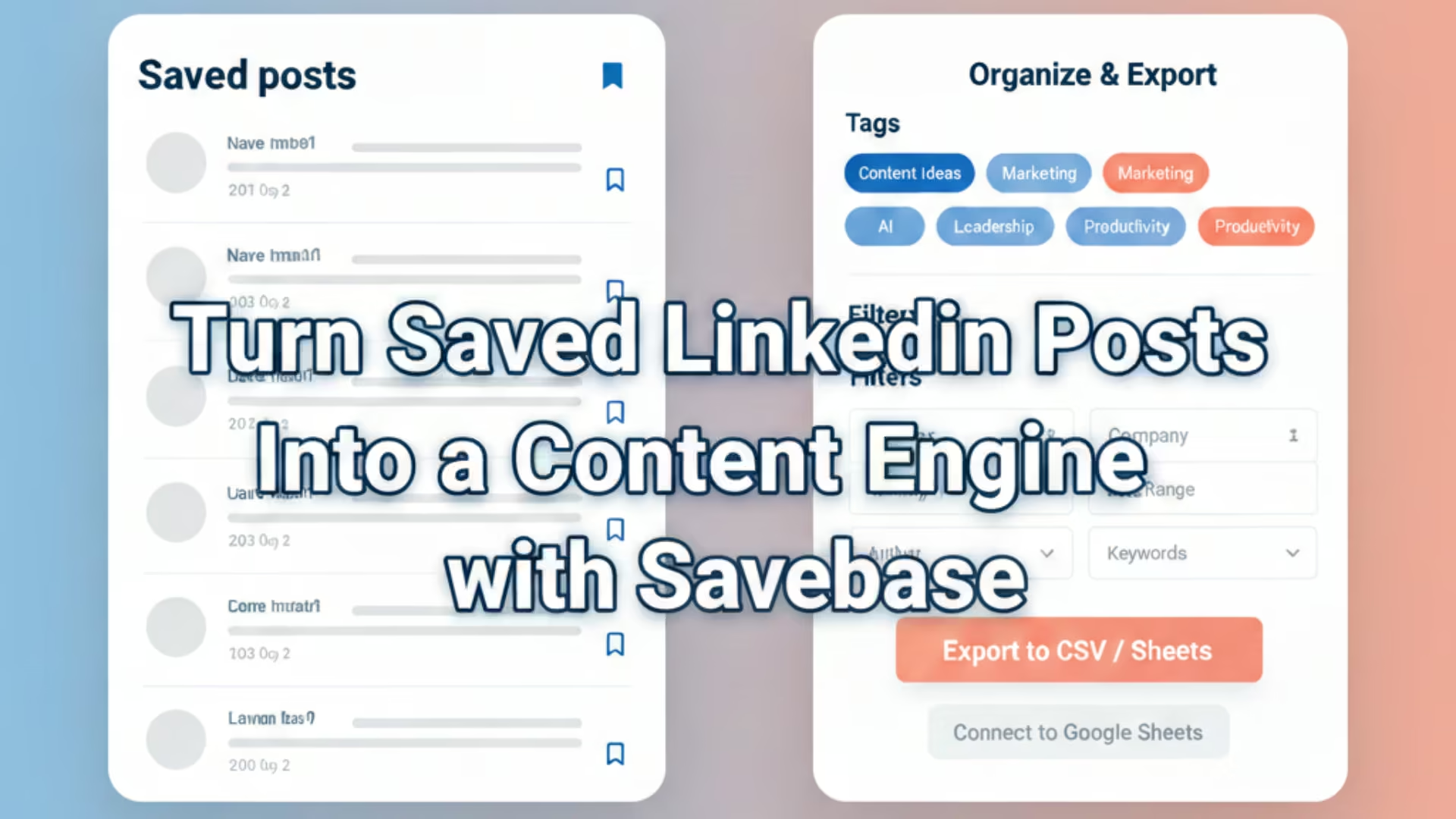
- Export to Sheets, CSV, or Markdown: Turn your saved posts into organized lists you can use for analytics, collaboration, or AI‑assisted content generation.
Identifying Themes Worth Repurposing Across Platforms
Once you’ve tagged your saved LinkedIn posts, you can use Savebase to cluster them into recurring themes, such as:
- “Beginner‑friendly explanations”
- “Case‑study breakdowns”
- “Industry‑trend
commentary”
These themes become the backbone of your cross‑platform content strategy. You can turn one high‑performing LinkedIn post into:
- A short video for TikTok/Instagram,
- A carousel for LinkedIn,
- A blog‑style thread for Twitter/X, all managed through Savebase.
Posting Frequency, Engagement, and Visibility Tips
LinkedIn’s 2026 algorithm rewards consistent posting and early engagement, but not burnout‑level volume. Studies show that moving from once‑per‑week to 2–5 posts per week significantly increases impressions and engagement.
Savebase helps you:
- Maintain a steady rhythm by scheduling posts ahead of time.
- Track engagement metrics and see which saved‑post‑inspired formats perform best.
Additionally, LinkedIn’s algorithm highly values comments and conversations. When you use Savebase to draft thoughtful replies or comment threads, you increase the chances of your profile surfacing in feeds.
The Secret to LinkedIn Visibility Hidden in Your Saved Posts
Saved LinkedIn posts are one of the most underused assets on the platform. They reveal what resonates, which formats win, and how top professionals position themselves. Manual management of dozens or hundreds of saved posts quickly becomes overwhelming. That’s where Savebase turns your bookmarks into a structured, scalable content engine.
By syncing, tagging, and organizing your saved posts inside Savebase, you:
- Reduce friction in content ideation,
- Align your profile and posts with the 2025 LinkedIn algorithm,
- Build a repeatable workflow that grows your visibility day‑by‑day, not just post‑by‑post.
Ready to turn your saved LinkedIn posts into a powerful content engine that boosts your profile visibility? Try Savebase today and start organizing your inspiration, planning your posts, and growing your presence before your next LinkedIn scroll.